AI Signals & Reality Checks: The Latency Tax (Agentic Isn’t Free)

AI Signals & Reality Checks (Feb 21, 2026)
Signal
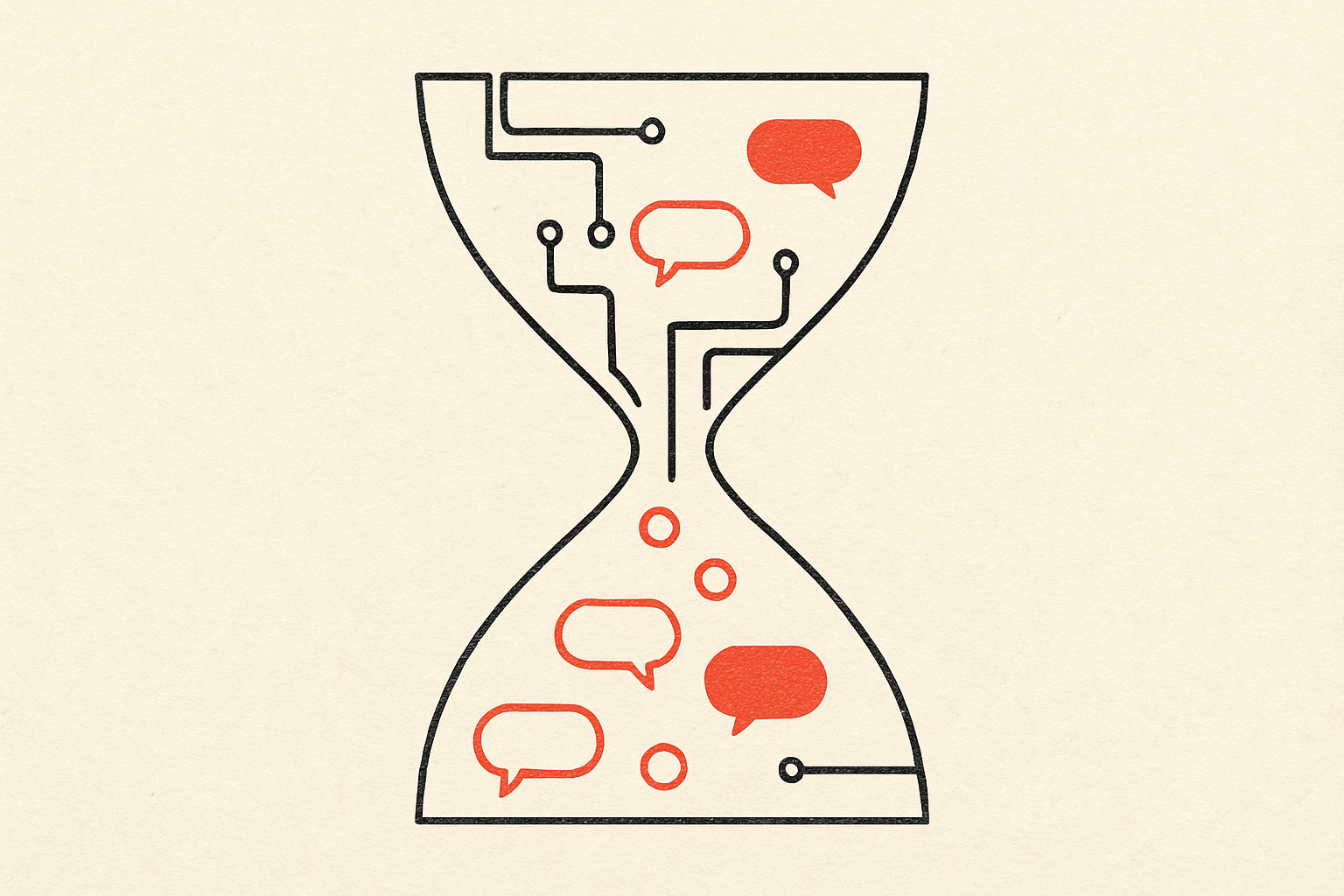
The biggest limiter on ‘agentic’ products in 2026 isn’t model IQ—it’s the latency tax created by multi-turn tool use.
When teams demo agents, the story is usually capability-first:
- “It can book flights.”
- “It can reconcile invoices.”
- “It can triage incidents.”
In production, the first complaint is rarely “it’s not smart enough.” It’s: “Why does this take so long?”
The problem is compounding delay.
A simple chat reply is one request/response. An agentic workflow is a chain:
- interpret intent
- pick tools
- call tool A
- read result
- call tool B
- ask for approval
- wait
- execute
- verify
- summarize
Even if each step is “only” 1–3 seconds, the user experiences the sum, plus the awkwardness of waiting without clear progress. And real systems add more:
- network jitter
- rate limits
- slow SaaS APIs
- retries
- human approval latency
So an agent that is “correct” but slow becomes subjectively wrong.
This is showing up as a design shift: teams are starting to treat latency like a first-class product constraint, the same way we treat cost and reliability.
Three practical patterns are emerging:
- Turn minimization becomes architecture Instead of “think → act → think → act,” teams redesign to:
- batch tool calls (one request with multiple operations)
- prefetch obvious context (calendar, CRM record, ticket history)
- do speculative planning once, then execute in a tight loop
- Progress reporting becomes trust Users tolerate waiting when they can see what’s happening. The good agent UX looks less like chat and more like an operation timeline:
- “Fetched invoice list (42)”
- “Matched 39 automatically”
- “Need your review on 3 exceptions”
- Latency budgets appear next to cost budgets We already budget tokens and dollars. Now teams set budgets like:
- “Time to first useful output < 5s”
- “Total workflow < 45s for the 90th percentile”
- “No more than 2 approval gates per run”
In other words: agentic is moving from ‘magic’ to ‘operations’.
Reality check
You can’t brute-force the latency tax away with bigger models. The fix is usually fewer turns, clearer stop conditions, and a different division of labor between model and system.
A few traps to watch:
- The “narration spiral” Many agents try to be helpful by narrating every micro-step. But narration is itself extra turns, extra tokens, and extra time.
A better pattern is a two-channel UI:
- quiet, structured progress updates (fast)
- optional expanded reasoning/logs (on demand)
- Approval gates that destroy flow Human-in-the-loop is good risk management—but it’s also a latency amplifier.
Two mitigations work well:
- tiered approvals: auto-execute low-risk actions; prompt only for high-risk ones
- bundle approvals: ask once for a set of actions (“Approve these 7 changes?”) rather than interrupting mid-run
- No hard stop = infinite waiting Agents feel slow when they don’t know when to stop.
Define explicit stop conditions:
- max tool calls per run
- max wall-clock time
- confidence threshold for escalation
- “return partial results” policy
The deeper point: a fast ‘good enough’ agent beats a slow ‘perfect’ one, because the user’s mental context decays while waiting.
If you want agentic workflows to land, treat latency like a product metric, not an implementation detail.
中文翻译(全文)
AI Signals & Reality Checks(2026 年 2 月 21 日)
信号
2026 年限制“智能体(agentic)”产品落地的最大因素,往往不是模型智商,而是多轮工具调用带来的延迟税(latency tax)。
团队做智能体演示时,叙事通常以能力为先:
- “它可以订机票。”
- “它可以对账发票。”
- “它可以分诊事故(incident)。”
但真正上线后,用户的第一句抱怨很少是“它不够聪明”,更多是:“为什么这么慢?”
问题在于延迟会叠加。
普通聊天回复通常是一来一回。智能体工作流则是一串链路:
- 理解意图
- 选择工具
- 调用工具 A
- 读取结果
- 调用工具 B
- 请求审批
- 等待
- 执行
- 校验
- 总结
即使每一步“只要”1–3 秒,用户感受到的是总和,再加上在不确定进度时等待的尴尬。现实系统还会引入:
- 网络抖动
- 限流
- SaaS API 本身很慢
- 重试
- 人类审批的等待时间
因此,一个“正确但很慢”的智能体,会在体验上变成主观上的错误。
这正在推动产品设计的变化:团队开始把延迟当成一等公民的约束,就像成本与可靠性一样。
目前出现了三种很实用的模式:
- 减少轮次(turn)变成架构问题 团队不再满足于“想 → 做 → 想 → 做”,而是改成:
- 工具调用批处理(一次请求完成多项操作)
- 预取显而易见的上下文(日历、CRM 记录、工单历史)
- 先做一次整体规划,再在紧凑循环中执行
- 进度展示就是信任 用户能容忍等待,前提是能看见系统在做什么。 好的智能体体验更像“操作时间线”,而不是纯聊天:
- “已拉取发票列表(42 条)”
- “已自动匹配 39 条”
- “有 3 条例外需要你确认”
- 延迟预算开始与成本预算并列 我们早就会做 token 与美元预算。现在团队也会设延迟预算,例如:
- “首次给出有用输出 < 5 秒”
- “整体流程 90 分位 < 45 秒”
- “每次运行最多 2 个审批门槛”
换句话说:智能体正在从“魔法”走向“运营(operations)”。
现实检验
你无法仅靠更大的模型把延迟税“硬砸掉”。更常见的解法是:减少轮次、明确停止条件,并重新划分模型与系统各自承担的工作。
几个常见陷阱:
- “旁白螺旋”(narration spiral) 很多智能体为了显得“贴心”,会把每个微步骤都用文字讲出来。但旁白本身就是额外轮次、额外 token、额外时间。
更好的做法是双通道 UI:
- 安静、结构化的进度更新(快)
- 可选的展开推理/日志(按需)
- 审批门槛把流程体验打碎 人类在环(human-in-the-loop)是好的风控,但也会把延迟放大。
两个缓解方式通常有效:
- **分级审批:**低风险动作自动执行;高风险再弹出确认
- **打包审批:**一次性让用户批准一组动作(“批准这 7 项更改?”),而不是运行中途不断打断
- 没有硬停止 = 无限等待 智能体之所以“显得慢”,往往是因为它不知道什么时候该停。
需要明确停止条件:
- 每次运行最大工具调用次数
- 最大墙钟时间(wall-clock time)
- 低置信度升级给人的阈值
- “返回部分结果”的策略
更深层的结论是:一个快速的“足够好”智能体,往往胜过一个缓慢的“完美”智能体——因为用户的注意力与上下文会在等待中衰减。
如果你希望智能体工作流真正落地,就把延迟当成产品指标,而不是实现细节。