AI Browser Agents: Demo Fluency vs. Workflow Fragility

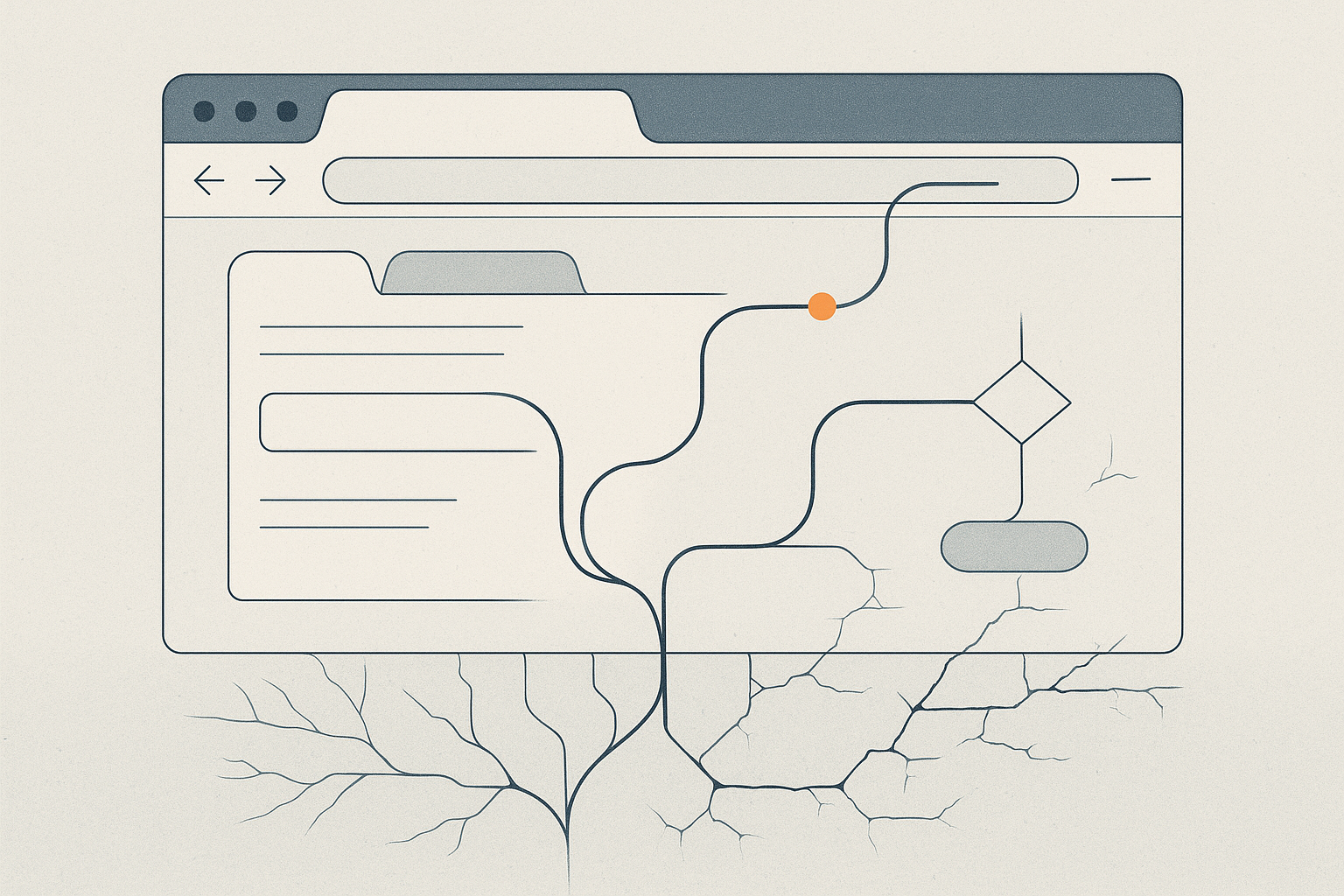
The signal: AI browser agents are crossing an important psychological threshold. They no longer look like a toy that can only click around a simplified demo page. Leading systems can now see a browser, reason across multi-step tasks, type into forms, scroll through pages, recover from some mistakes, and ask for human takeover when they hit payment, login, or other sensitive steps. OpenAI positioned Operator and its computer-using agent research around this exact promise: software that can use the web through the same visual interface humans use. Anthropic framed computer use similarly, as a way for models to look at screens, move cursors, click buttons, and carry out long web workflows. Even more important than the product launches is what they signal to the market. Browser use is becoming a standard ambition for frontier models, not a novelty feature at the edge.
That matters because the browser remains the universal interface for business work. Most real organizations still run a messy combination of SaaS dashboards, internal tools, vendor portals, admin consoles, and legacy web layers that do not share a clean API surface. If an AI system can operate reliably inside that environment, then the automation market expands dramatically. Companies do not need every workflow to be re-platformed before they can capture value. A browser-capable agent can, in theory, bridge the gap between modern model capability and the still-fragmented software stack that businesses actually live with.
The market signal is therefore larger than simple convenience. Browser agents suggest a path around integration bottlenecks. They imply that AI does not need to wait for perfect structured access to become useful. That is why so many demos feel powerful. They show the model operating where work already happens.
The reality check: A browser is universal, but it is also one of the least stable operating environments you could choose.
The first problem is interface fragility. A workflow can succeed today and fail tomorrow because a button moved, a modal appeared, a consent banner interrupted the flow, a page loaded more slowly than expected, or a field label changed just enough to confuse the action sequence. Humans absorb these shifts easily because we carry broad context and common sense about what probably changed. Agents can recover from some of them, but not all, and every recovery path adds latency, cost, and uncertainty. The impressive demo is usually the clean path. Production reality is the exception path.
The second problem is that browser success rates do not translate neatly into business reliability. A benchmark improvement from 58% to something meaningfully higher is a real technical achievement. But a business process does not feel 58% solved. If a workflow touches customer records, compliance data, invoicing, approvals, or external publishing, the organization needs a much tighter error envelope than “usually works.” Partial completion can be worse than visible failure. An agent that finishes seven steps and silently mishandles the eighth creates cleanup work, trust erosion, and sometimes legal risk.
The third problem is operational overhead. Browser agents look attractive because they avoid custom integration work, but they often reintroduce another kind of maintenance burden. Someone still has to monitor task drift, maintain prompts, handle authentication patterns, review failed runs, define escalation thresholds, and decide which actions deserve human confirmation. In other words, the organization swaps some integration cost for supervision cost. That can still be worth it, especially for repetitive back-office workflows, but it is not the same thing as frictionless autonomy.
The strongest near-term use cases will probably be narrow, high-frequency tasks with bounded downside: internal data collection, repetitive admin actions, structured web research, QA checks, or operator-assist flows where a human remains visibly in the loop. The weakest use cases will be those that sound glamorous precisely because they are too open-ended, too exception-heavy, or too sensitive to tolerate brittle action chains.
Key points to remember:
- Browser agents are a real capability jump - Models can increasingly navigate live interfaces instead of waiting for clean APIs.
- The browser is universal, but unstable - Minor UI changes, popups, latency, and edge cases can break otherwise good workflows.
- Benchmark gains are not production guarantees - A task that works often is still not reliable enough for many business processes.
- Maintenance does not disappear, it changes shape - Less integration work can mean more supervision, monitoring, and exception handling.
- Narrow workflows will win first - Repetitive, bounded, low-blast-radius tasks are more realistic than broad autonomous digital workers.
The bottom line: The signal is real. AI browser agents are moving from curiosity toward practical utility, and they may become one of the fastest ways to inject automation into old software environments. The reality check is that universality comes with fragility. Clicking, typing, and scrolling across the open web is not the hard part anymore. The hard part is delivering stable, governable performance when the interface changes, the edge case appears, and the business still expects the task to finish correctly.